
Free viewers for the files everyone gets stuck with
Open 3D models, CAD drawings, 360 photos and floor plans in your browser. No account, no upload, no watermark. Most of them open two files side by side on a single camera, so you can see what changed between versions.
- GLB ViewerOpen a .glb in your browser, inspect it, and put two side by side. Nothing is uploaded..glb
- glTF ViewerOpen a .gltf or .glb with materials, animation and Draco decoding. Nothing is uploaded..gltf, .glb
- OBJ ViewerOpen a Wavefront .obj in your browser and read the mesh. Nothing is uploaded..obj
- STL ViewerOpen a binary or ASCII .stl and check the mesh before you print. Nothing is uploaded..stl
- FBX ViewerOpen an Autodesk .fbx with its materials and animation. Nothing is uploaded..fbx
- PLY ViewerOpen a .ply point cloud or scanned mesh with its vertex colours, in your browser. Nothing is uploaded..ply
- 3MF ViewerOpen a .3mf with its colours and print units. Nothing is uploaded..3mf
- DAE ViewerOpen a COLLADA .dae scene in your browser. Nothing is uploaded..dae
- USDZ ViewerOpen a .usdz in your browser, on any machine. Nothing is uploaded..usdz
- SVG ViewerOpen an .svg at any zoom and compare two versions. Nothing is uploaded..svg
- DXF ViewerOpen a .dxf in your browser with its layers, and measure distances on it. Nothing is uploaded..dxf
- IFC ViewerOpen an .ifc model in your browser — no Revit, no upload, no account. Your model never leaves your machine..ifc
- Gaussian Splat ViewerOpen a 3D Gaussian Splatting scene — .ply, .splat, .sog or compressed .ply — in your browser. Nothing is uploaded..splat, .sog, .ply
- 360 Panorama ViewerOpen a 360 photo and look around it, in your browser. Any 2:1 equirectangular image — no metadata required..jpg, .jpeg, .png, .webp
- Floor Plan Area CalculatorMeasure rooms on a floor plan image: set the scale from one known dimension, then draw. Nothing is uploaded..jpg, .jpeg, .png, .webp
Teams designing with luw.ai























These are the handy ones. Here is the engine behind them.
250 million designs generated, 3 million designers, and teams from Airbus to Arup working in it every day. The viewers on this page cost nothing and always will — they are ours to give. This is what the same team builds when nobody is limiting it to one file.
 Luw.ai StudioLiveDescribe a home. Get a floor plan you can walk through.The AI floor plan generator that builds in 3D — design, furnish and render in your browser. A sentence becomes a scaled plan; a photo of a plan becomes an editable 3D model.Sentence to 3D plan4K and 8K render150+ items placed to scaleNo CAD, no GPUOpen Studio
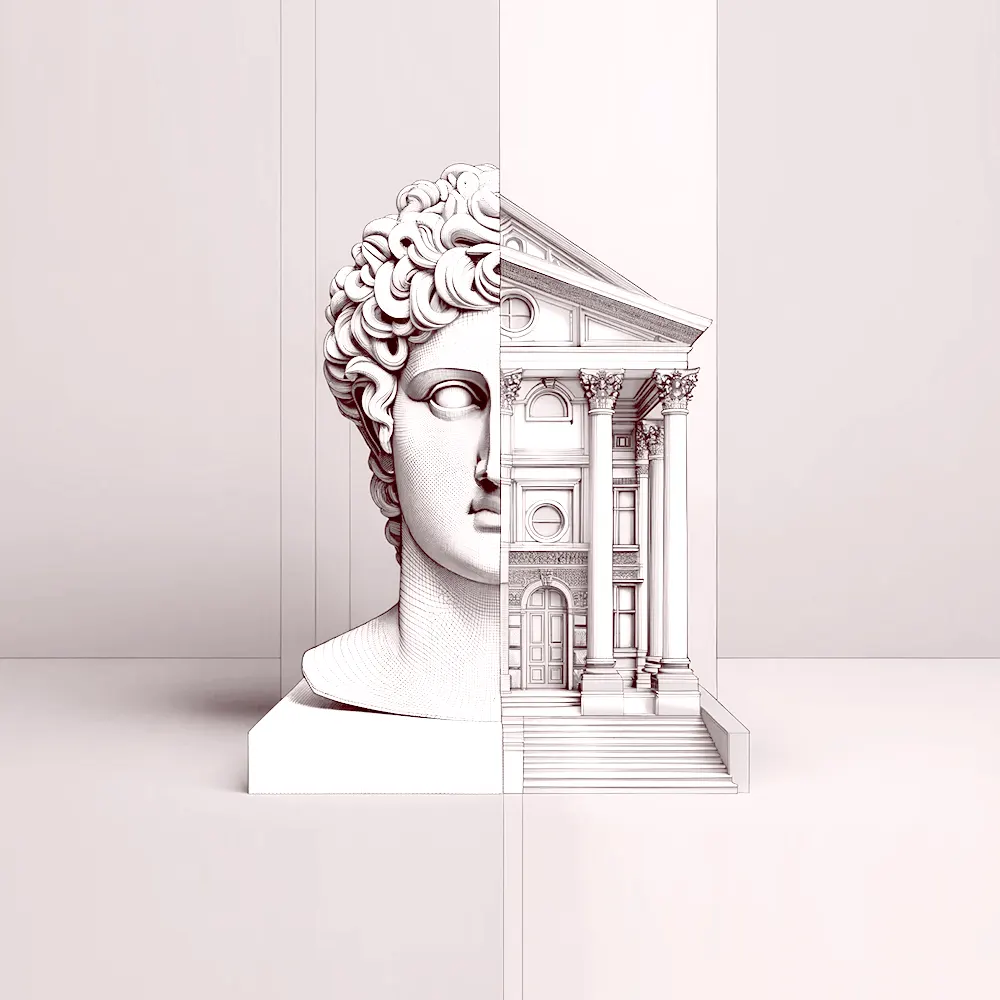 ArchiagentThe agent for architectureIt draws, it builds, then it checks its own work.An agent that draws floor plans, builds in 3D, places every fixture to scale, and audits its own work like a real architect would — door swings, clearances, the things a render hides.Plans and 3DEvery fixture to scaleSelf-audits in 2DReal geometry outMeet Archiagent
Which format is which
Ten 3D formats, two CAD formats, a vector format and two things that are not file formats at all. The differences between them are the reason files get sent back. This is the short version.
| Format | What it carries | Written by | Use it for |
|---|---|---|---|
| GLB.glb | Geometry, PBR materials, textures, animation, scene graph | Khronos Group | Sending a finished model to anyone, or putting one on the web |
| glTF.gltf, .glb | Geometry, PBR materials, textures, animation, cameras | Khronos Group | The same scene when you need the JSON to be readable or editable |
| OBJ.obj | Vertices, faces, normals, UVs (materials live in .mtl) | Wavefront Technologies | Passing raw geometry between tools that agree on nothing else |
| STL.stl | Triangles and face normals — no colour, no units | 3D Systems | 3D printing, and nothing else — no colour, no units |
| FBX.fbx | Geometry, materials, rigs, animation, cameras, lights | Autodesk | Game engines and rigged, animated assets from Autodesk tools |
| PLY.ply | Vertices, optional faces, per-vertex colour | Stanford University | Scans and photogrammetry, including raw point clouds |
| 3MF.3mf | Geometry with units, colour, materials, multiple objects | 3MF Consortium | Printing, when STL's missing units and colour start to hurt |
| DAE.dae | Geometry, materials, scene graph, animation | Khronos Group | Older library and CAD content — SketchUp, Google Earth, Blender |
| USDZ.usdz | Geometry, materials, textures, AR anchoring | Pixar and Apple | Apple AR, and anything headed for Quick Look on iOS |
| SVG.svg | Paths, shapes, text, gradients, embedded images | W3C | Vector drawings, logos and plans that must stay sharp at any zoom |
| DXF.dxf | Lines, polylines, arcs, circles, blocks, layers | Autodesk | Sending a CAD drawing to somebody who does not own CAD |
| IFC.ifc | Geometry, spatial hierarchy, materials, property sets | buildingSMART | A building model moving between Revit, ArchiCAD and Tekla |
| Gaussian Splat.splat, .sog, .ply | Positions, covariance, spherical-harmonic colour, opacity | INRIA / the 3DGS ecosystem | A captured real place, photographic rather than modelled |
| 360 Panorama.jpg, .jpeg, .png, .webp | The full 360x180 view as an ordinary image | The equirectangular projection | A 360 photo of a room, from a Theta, an Insta360 or a render |
| Floor Plan.jpg, .jpeg, .png, .webp | Whatever you can see — the scale is the part you supply | Any plan you have | Working out how big a room is from a picture of a plan |
Questions about 3D files
Which 3D format should I send someone?
GLB, unless they asked for something else. It packs geometry, materials, textures and animation into one file that opens everywhere, including in a browser. OBJ and STL lose materials, FBX is heavy and version-sensitive, and a .gltf usually arrives missing its textures.
Are my files uploaded to a server?
No. Every viewer here reads the file in your own browser and renders it locally — no account, no queue, no upload. You can disconnect from the internet once a page has loaded and it still works, which is the difference between these and the conversion sites that dominate the same searches.
Why does my model open with no texture or no colour?
Because the format keeps them somewhere else. An .obj stores materials in a separate .mtl, a .gltf and a .dae reference image files sitting next to them, and an STL cannot carry colour at all. The browser is handed one file and cannot go looking for the rest — re-export as GLB and everything travels together.
How do I compare two versions of a model?
Open either viewer, turn on Compare and drop the second file. The two cameras are locked together, so rotating, panning or zooming one moves the other exactly — which is the only reliable way to see by eye what changed between two exports.
Is there a file size limit?
None that we impose. The limit is your machine's memory, and models in the hundreds of megabytes open fine on a modern laptop. Nothing is queued or throttled, because nothing is being uploaded in the first place.
All of it free, and staying free
Fifteen tools, no account, no watermark, no file leaving your machine. Bookmark the ones you use. When the work outgrows a single file, the rest of luw.ai is one click away.