SVG ViewerOpen .svg files online — free
Open an .svg at any zoom and compare two versions. Nothing is uploaded.
- Nothing uploaded
- No account
- No watermark
- 250M+
- designs generated on luw.ai
- 3M+
- designers using it
- 10s
- from prompt to render
Teams designing with luw.ai















These are the handy ones. Here is the engine behind them.
250 million designs generated, 3 million designers, and teams from Airbus to Arup working in it every day. The viewers on this page cost nothing and always will — they are ours to give. This is what the same team builds when nobody is limiting it to one file.
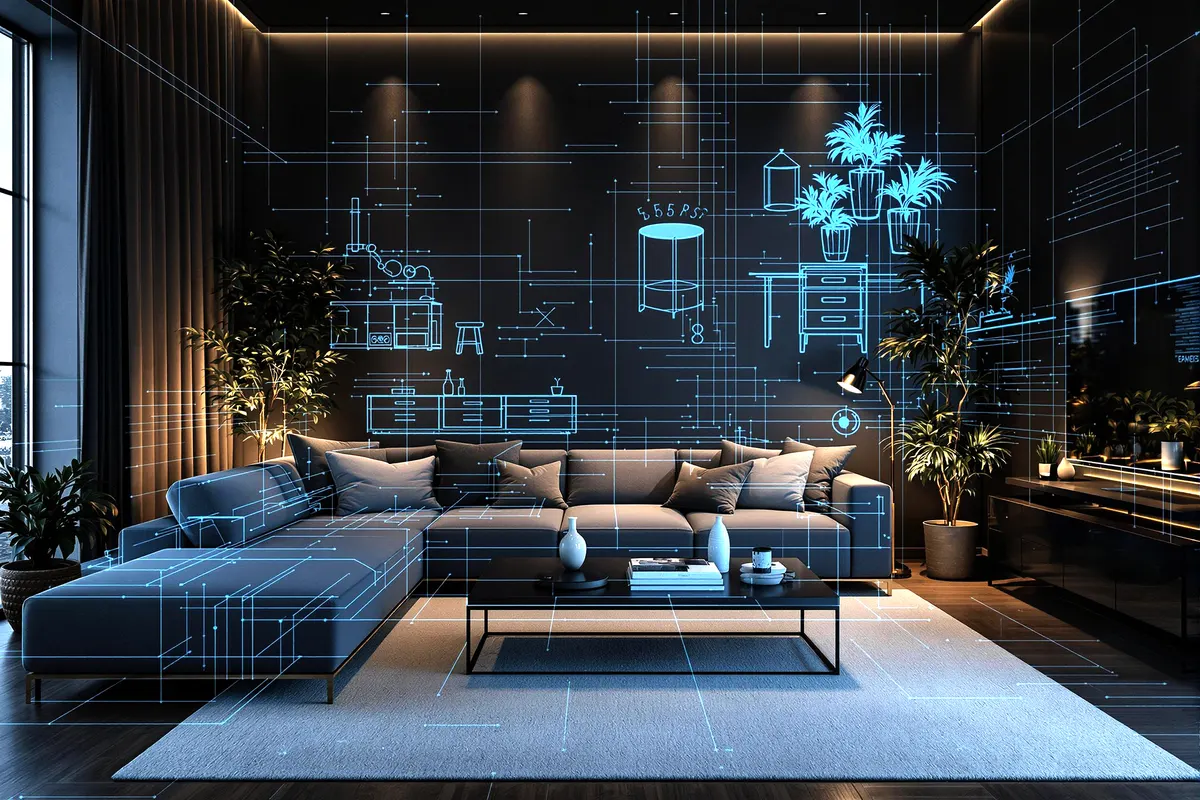 Luw.ai StudioLiveDescribe a home. Get a floor plan you can walk through.The AI floor plan generator that builds in 3D — design, furnish and render in your browser. A sentence becomes a scaled plan; a photo of a plan becomes an editable 3D model.Sentence to 3D plan4K and 8K render150+ items placed to scaleNo CAD, no GPUOpen Studio
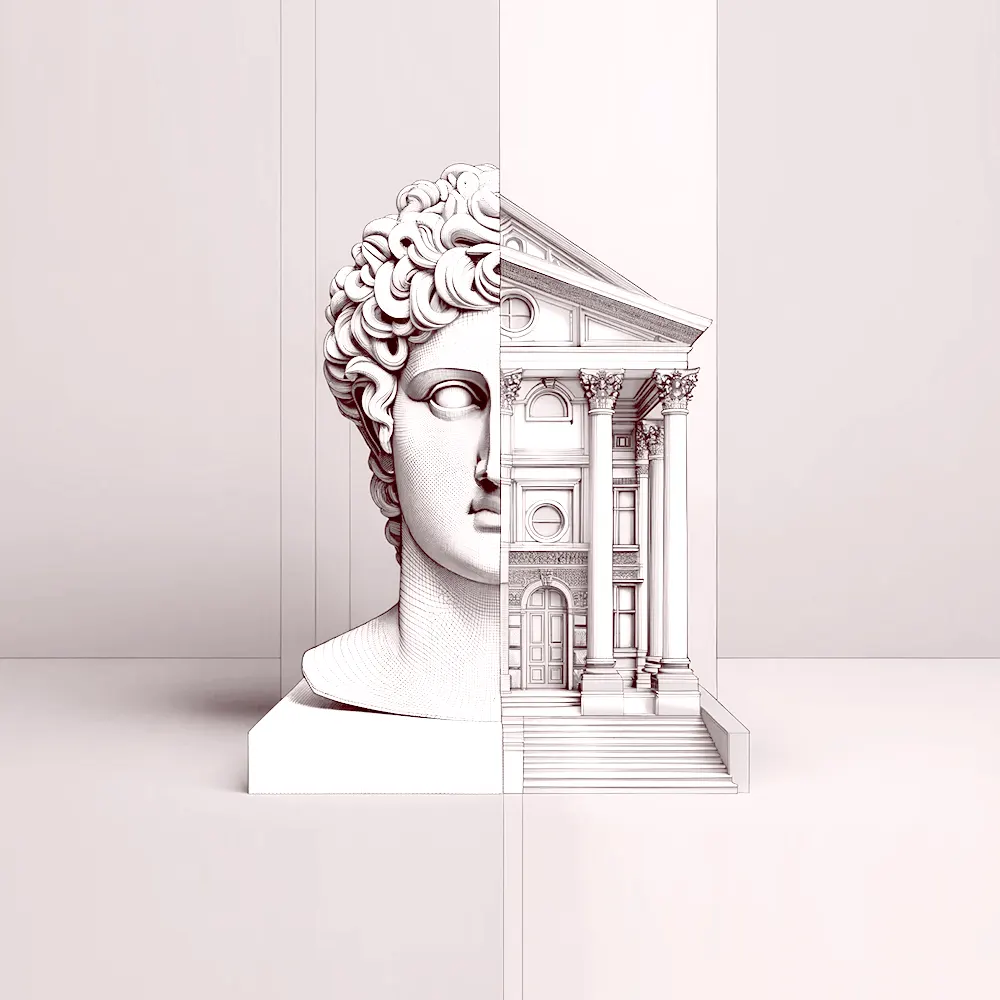 ArchiagentThe agent for architectureIt draws, it builds, then it checks its own work.An agent that draws floor plans, builds in 3D, places every fixture to scale, and audits its own work like a real architect would — door swings, clearances, the things a render hides.Plans and 3DEvery fixture to scaleSelf-audits in 2DReal geometry outMeet Archiagent
What an SVG file is
SVG is vector: it has no resolution, so the only way to judge one is to zoom until the detail you care about is legible. This viewer does that without rasterising — pan and zoom stay sharp at any scale — and Compare puts two files on one shared pan and zoom, which is how you catch a path that moved between exports.
- Made by
- W3C
- Kind
- XML vector graphics
- Carries
- Paths, shapes, text, gradients, embedded images
- Extensions
- .svg
How to open an SVG file
- Open your SVG fileDrag it onto the viewer, or click to choose one. Your browser reads it — nothing is uploaded.
- Look at it properlyDrag to orbit, scroll to zoom. Advanced adds auto-rotate, a ground plane, wireframe and any background you like.
- Compare two versionsTurn on Compare and drop a second SVG file. The cameras lock together, so both move as one.
- Save what you seeSave PNG writes exactly the frame on screen, backdrop included, at twice the resolution.
Questions
Does zooming lose quality?
No. The file is drawn as vector at whatever zoom you set, so an outline is as crisp at 40x as at 1x.
Can I compare two files?
Yes — that is what Compare does. Load one on each side and the cameras lock together: rotate, pan or zoom one and the other follows exactly, which is the only reliable way to spot a change by eye.
Are fonts and external images shown?
Fonts render if they are embedded or installed on your system, exactly as they would on a web page. Images referenced by an external URL are not fetched.
Is my file uploaded anywhere?
No. It is read and rendered by your own browser and never leaves your machine. You can disconnect from the internet once the page has loaded and the viewer still works.
Free today, free next year. Take it with you.
No account, no watermark, no upgrade prompt hiding in it — this viewer is finished and it is yours. When the work gets bigger than one file, the same engine turns a photo into a floor plan and a sketch into a render, and 3 million designers already work that way.