360 Panorama ViewerFree, in your browser, nothing uploaded
Open a 360 photo and look around it, in your browser. Any 2:1 equirectangular image — no metadata required.
- Nothing uploaded
- No account
- No watermark
- 250M+
- designs generated on luw.ai
- 3M+
- designers using it
- 10s
- from prompt to render
Teams designing with luw.ai























These are the handy ones. Here is the engine behind them.
250 million designs generated, 3 million designers, and teams from Airbus to Arup working in it every day. The viewers on this page cost nothing and always will — they are ours to give. This is what the same team builds when nobody is limiting it to one file.
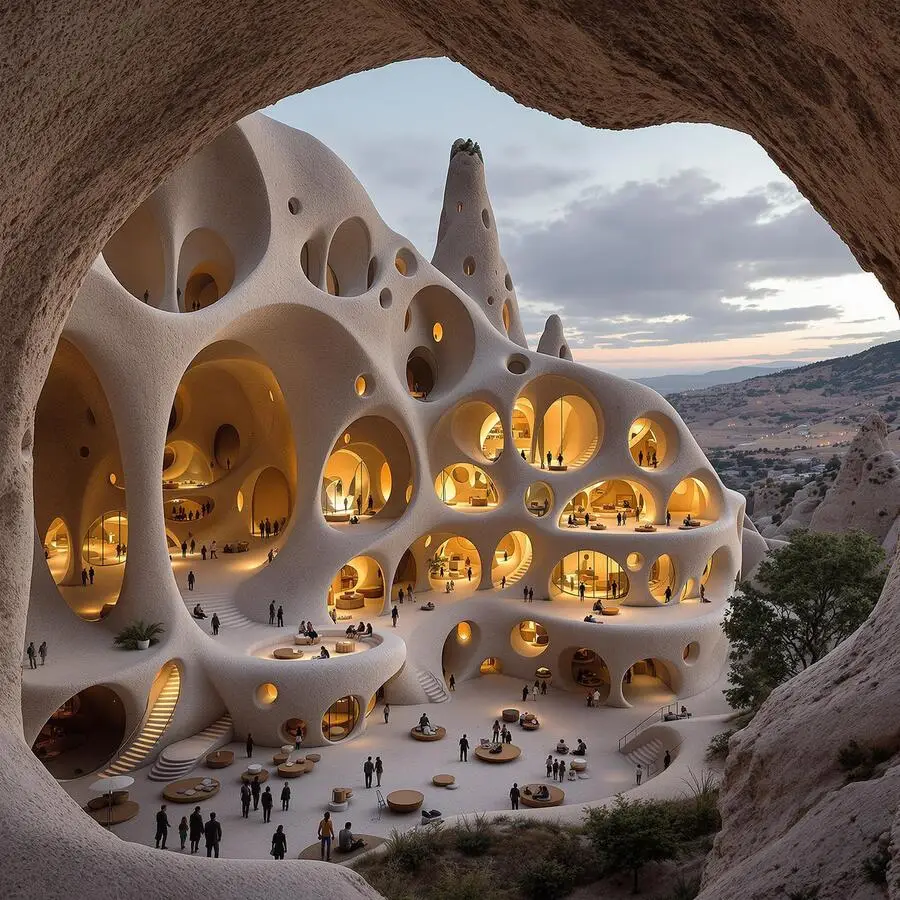
 Luw.ai StudioLiveDescribe a home. Get a floor plan you can walk through.The AI floor plan generator that builds in 3D — design, furnish and render in your browser. A sentence becomes a scaled plan; a photo of a plan becomes an editable 3D model.Sentence to 3D plan4K and 8K render150+ items placed to scaleNo CAD, no GPUOpen Studio
 ArchiagentThe agent for architectureIt draws, it builds, then it checks its own work.An agent that draws floor plans, builds in 3D, places every fixture to scale, and audits its own work like a real architect would — door swings, clearances, the things a render hides.Plans and 3DEvery fixture to scaleSelf-audits in 2DReal geometry outMeet Archiagent
What the viewer does
A 360 photo is an equirectangular image: the whole sphere flattened into a picture exactly twice as wide as it is tall. Opened in Preview or Photos it looks like a warped, stretched rectangle, which is why people assume the file is broken — it is not, it just has to be wrapped back onto a sphere. This viewer does that, and it does it for any 2:1 image, whether or not the GPano metadata survived your edit. Most viewers refuse a panorama whose XMP tags were stripped by an editor; this one only looks at the shape.
- Made by
- The equirectangular projection
- Kind
- 2:1 spherical photo
- Carries
- The full 360x180 view as an ordinary image
- Extensions
- .jpg, .jpeg, .png, .webp
How to use the 360 panorama viewer
- Open your 360 photoDrag in any equirectangular image — a 2:1 JPG, PNG or WebP. No GPano tags needed; the shape is enough.
- Look aroundDrag to turn, scroll to change the field of view. What looked like a stretched rectangle in your photo viewer is a room you are standing in.
- Compare two shotsTurn on Compare and drop a second panorama. Both spheres turn together, which is how you check a before and after of the same room.
- Save what you seeSave PNG writes the current view — the framed shot, not the flattened source image.
Questions
Why does my 360 photo look stretched and flat?
That is the equirectangular projection, and nothing is wrong with the file. The sphere has been unrolled into a rectangle, which stretches everything near the top and bottom. Drop it here and it is wrapped back onto a sphere, which is how it was meant to be seen.
Does my photo need GPano or XMP metadata?
Not here. Many viewers refuse a panorama whose metadata an editor stripped; this one takes any image with a 2:1 aspect ratio and treats it as equirectangular. If the ratio is not 2:1 it still opens, with a warning that it will look wrong.
Does it open Insta360, Ricoh Theta and iPhone panoramas?
The stitched output does: a Theta or Insta360 .insp file is an ordinary JPEG, so rename it to .jpg and drop it in. An .insv is video and out of scope. An iPhone Pano is a wide strip rather than a full sphere, so it is not equirectangular and will look wrong.
Can I compare two files?
Yes — that is what Compare does. Load one on each side and the cameras lock together: rotate, pan or zoom one and the other follows exactly, which is the only reliable way to spot a change by eye.
Free today, free next year. Take it with you.
No account, no watermark, no upgrade prompt hiding in it — this viewer is finished and it is yours. When the work gets bigger than one file, the same engine turns a photo into a floor plan and a sketch into a render, and 3 million designers already work that way.