PLY Viewer在线打开 .ply 文件 — 免费
在浏览器里打开 .ply 点云或扫描网格,保留顶点颜色。不上传。
- 不上传
- 无需注册
- 无水印
- 250M+
- 在 luw.ai 上生成的设计
- 3M+
- 正在使用的设计师
- 10s
- 从提示词到渲染
正在用 luw.ai 做设计的团队











来自 luw.ai 的免费工具
这些是顺手的小工具。它们背后的引擎是这个。
已生成 2.5 亿件设计,300 万名设计师,从 Airbus 到 Arup 的团队每天都在上面工作。这个页面上的工具不收费,以后也不会——它们本来就是送出去的。同一支团队在不受“一个文件”限制时做出来的,是下面这些。
 Luw.ai Studio已上线描述一个家。得到一份可以走进去的户型图。直接在 3D 里搭建的 AI 户型图生成器 — 在浏览器里设计、布置、出图。一句话变成按比例的户型图;一张户型图照片变成可编辑的 3D 模型。从一句话到 3D 户型4K 与 8K 渲染150+ 物件按比例摆放不用 CAD,不用显卡打开 Studio
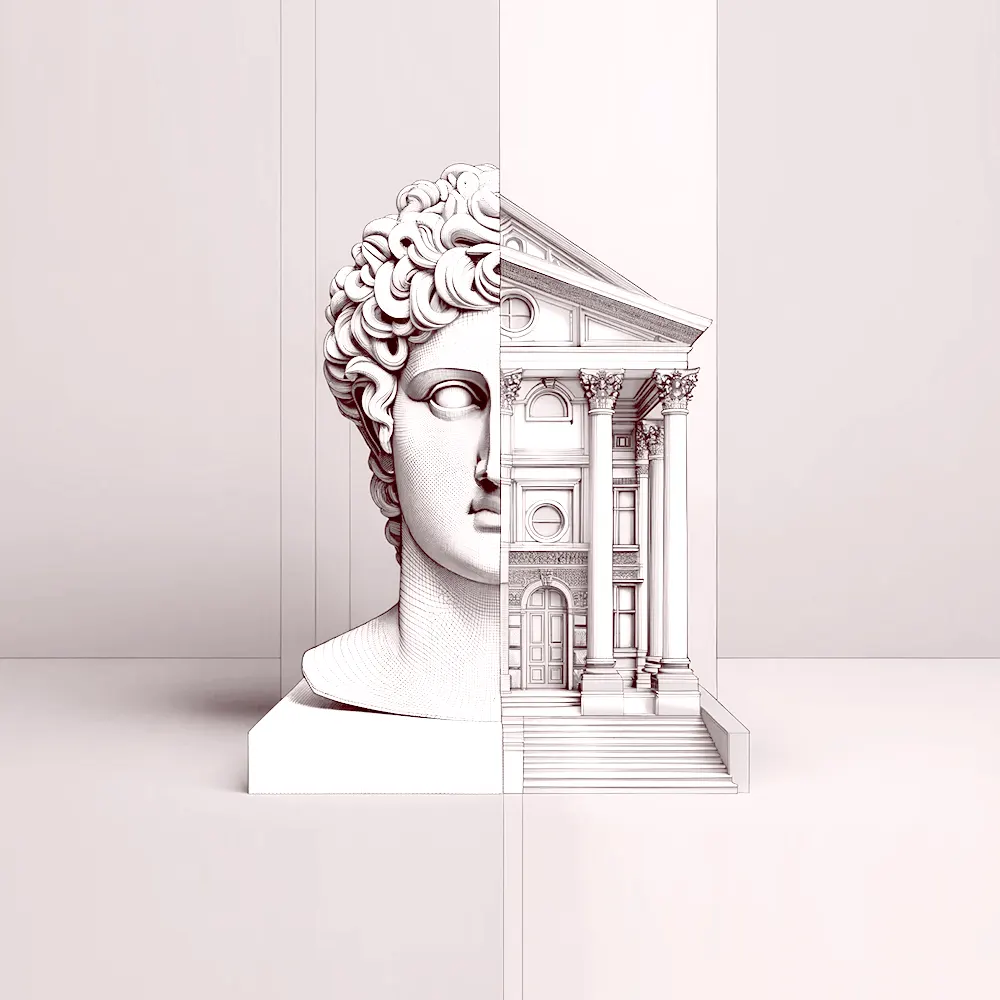 Archiagent为建筑而生的智能体它画图,它建模,然后自己检查自己的活。一个会画户型图、在 3D 里搭建、把每件设施按比例摆好,并且像真正的建筑师那样复核自己成果的智能体 — 门的开启范围、通行净宽,以及那些被渲染图藏起来的东西。平面与 3D每件设施按比例在 2D 里自查输出真实几何认识 Archiagent
文件留在你的设备上读取文件的是你自己的浏览器。没有上传、没有排队、不用注册——把网线拔了它照样能用。
两个文件,一个相机比较把两个版本并排放好,并把相机锁在一起。动一边,另一边分毫不差地跟着动 — 想用肉眼抓住改动,只有这一个办法。
你打开它就是为了看的那些数字三角形数、顶点数、材质和真实尺寸,在文件落下的那一刻直接从文件本身读出。
PLY 文件是什么
PLY 是扫描仪和摄影测量工具写出的格式:可能是网格,也可能是原始点云,通常每个顶点带一个颜色。这个查看器两种都能画,保留顶点颜色,并告诉你实际在看的是多少个点。
- Made by
- 斯坦福大学
- Kind
- 网格或点云
- Carries
- 顶点、可选的面、逐顶点颜色
- Extensions
- .ply
怎么打开 PLY 文件
- 打开你的 PLY 文件把文件拖到查看器上,或点击选择。读取它的是你的浏览器,不会上传任何东西。
- 好好看一遍拖动旋转,滚轮缩放。高级里有自动旋转、地面、线框,以及任意背景色。
- 对比两个版本打开“对比”,再拖入第二个 PLY 文件。两台相机会锁在一起,二者同步移动。
- 保存你看到的画面“保存 PNG”会把屏幕上的画面连同背景,以两倍分辨率写出。
常见问题
能打开点云吗?
能。没有面的 PLY 会以点的形式绘制,并保留顶点颜色。
我的扫描非常大,打得开吗?
通常可以。几千万个点会让笔记本吃力,但查看器会尽力绘制,并报出点数。
我的文件会被上传吗?
不会。文件由你自己的浏览器读取和绘制,不会离开你的设备。页面加载完成后即使断网,查看器依然可用。
来自 luw.ai 的免费工具
今天免费,明年也免费。拿去用。
没有账号、没有水印、没有藏在里面的升级提示——这个查看器是成品,而且是你的。当工作超出一个文件的范围时,同一个引擎会把照片变成平面图、把草图变成渲染图,300 万名设计师已经这样工作了。